LED Screens for Dynamic Backdrops: How to Choose and Set Up
A stage backdrop no longer needs to stay still. An LED wall is built from multiple panels that can form one continuous screen or sit as separate visual elements across the stage. Using LED screens for dynamic backdrops lets event teams adapt the look as the programme moves between speakers, performances and live content.
That flexibility works best when the screen suits the room and the content is prepared for its dimensions. A display that looks clear from the back of a venue may appear less sharp up close, while mismatched video dimensions can leave content cropped or poorly framed.
This guide explains how LED backdrops work, what to consider when choosing a screen for a studio or event space, and how resolution and frame rate affect the finished image. It also covers how LED walls can support live feeds, video and changing graphics, so you can plan a backdrop that feels deliberate and runs smoothly.
Table of Contents
What is an LED wall stage backdrop?
An LED wall stage backdrop combines multiple panels into one display or separate stage elements. Its content can change with the event, from branded visuals to live feeds.
Event and Stage Applications
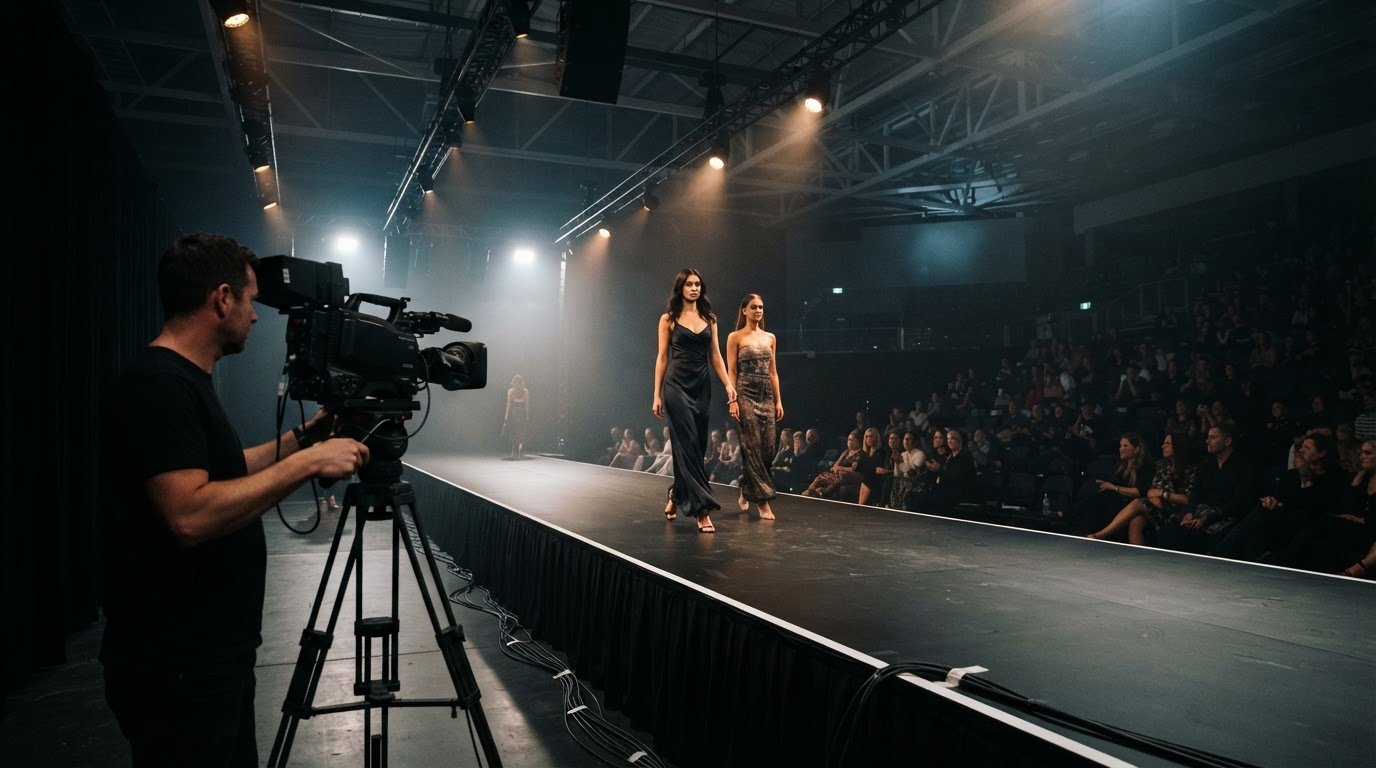
An LED backdrop is a configurable display surface for events, with content that can change as the programme unfolds. At concerts, it can carry performance visuals; at weddings, it can reflect the setting or show photographs. Studios can use it to change the background between scenes, while corporate stages can combine branding with speaker content. Using LED screens for dynamic backdrops gives event teams options beyond a fixed printed scene.
Panels can form one long wall or stand apart as pillars, with graphics matched to the event theme and lighting. This flexibility suits both a formal conference and a concert, while live content can help engage the audience. Printed backgrounds remain static and require two people to hang.
Corporate Event Backdrop Examples
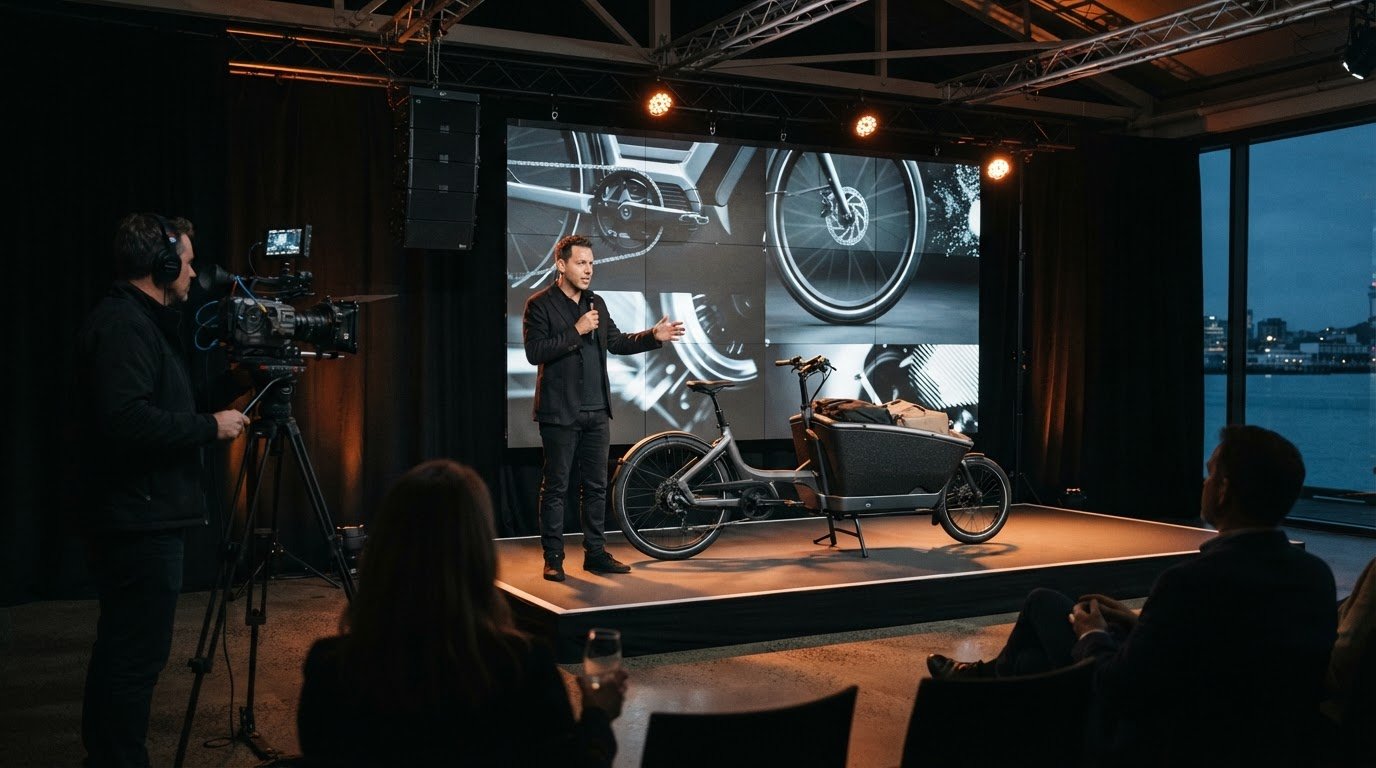
At conferences, trade shows and exhibitions, LED displays can present branding, product visuals and speaker information on the same backdrop. Content can change between sessions, helping the stage or exhibition stand serve different purposes throughout the programme.
One corporate event used a custom 40-foot LED screen. Its backdrop switched in real time between product displays, speaker highlights and audience engagement content. The example shows how one screen can support several parts of an event, rather than acting only as scenery.
Compared with projectors, LED walls can work in varied lighting conditions, while projectors need dark spaces to work well. Compared with printed backdrops, LED displays can show video, photographs, animations and live feeds, with content changing during the event.
Installation risks include panel handling, mounting, power and cabling. Small-pitch LED displays are estimated to weigh 15-25 kg per square metre, so frames and mounting need careful technical planning. Clear cable routes and suitable power arrangements also matter. These details help manage physical risks to the installation team and people using the event space.
Studio LED Background Screen: How to Choose?
Start by considering camera position, audience distance and room conditions. These factors shape the screen’s pixel pitch, brightness, dimensions and viewing angle.
Screen Size and Display Specifications
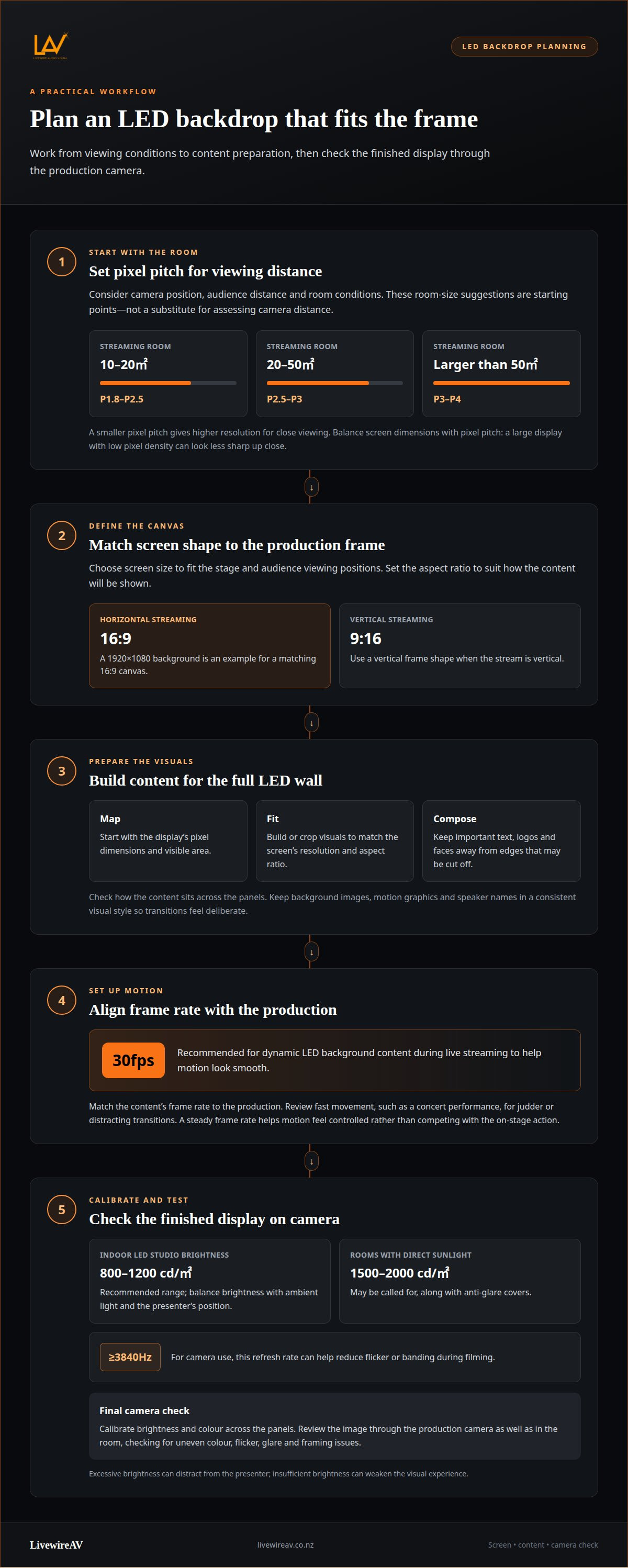
Pixel pitch describes the spacing between pixels; a smaller pitch gives higher resolution for close viewing. For streaming rooms of 10-20㎡, one recommendation is P1.8-P2.5, while 20-50㎡ rooms suit P2.5-P3. Rooms larger than 50㎡ suit P3-P4. These are starting points, not substitutes for assessing camera distance.
Choose screen size to fit the stage and the audience’s viewing positions. A large display with low pixel density can look less sharp up close, so balance dimensions with pixel pitch. Match the aspect ratio to the frame: 16:9 is typical for horizontal streaming, while 9:16 suits vertical streaming. A 1920×1080 video is one example of a background-screen resolution.
For camera use, a refresh rate of at least 3840Hz can help reduce flicker or banding. Viewing angle also matters: account for seating off-centre, not just the camera’s central position.
Brightness and Colour Calibration
For an indoor LED studio, a recommended brightness range is 800-1200 cd/㎡. Rooms with direct sunlight may call for 1500-2000 cd/㎡ and anti-glare covers. The right level depends on ambient light; excessive brightness can distract from the presenter, while insufficient brightness can weaken the visual experience.
Before filming, calibrate brightness and colour across the display so the panels look consistent. Review the image through the production camera as well as in the room. For example, a white studio background should look even across the full screen, without shifts in brightness or colour between panels.
Visual Impact and Common Problems
Common issues include visible pixel structure at close range, mismatched content proportions, uneven colour and camera flicker. Prevent them by matching pixel pitch to viewing distance, preparing content for the screen’s aspect ratio, calibrating the panels and testing the display on camera. A refresh rate of at least 3840Hz can help address flicker or banding during filming.
Brightness also shapes the visual impact. Balance the display with the studio lighting and the subject’s position. For projects such as a corporate stream or Remote Podcast Recording and Production, test the complete camera view before recording to reveal distracting glare or framing problems that may be less obvious in person.
Adapting dynamic content to screen resolution and frame rate
Prepare each visual for the LED wall’s full canvas, not a standard monitor by default. Start with the display’s resolution and aspect ratio, then compose titles, logos and key action within the visible area. For example, a 1920×1080 background suits a matching 16:9 canvas; a differently shaped wall needs content designed for its layout.
To prepare content, map the screen’s pixel dimensions, build or crop visuals to fit, and check how they appear across the panels. Keep important text and faces away from the edges, where unusual screen shapes or framing may cut them off. Use a consistent visual style across background images, motion graphics and speaker names so each change feels intentional.
Frame rate affects how motion appears, especially in live video. Dynamic LED background content at 30fps is recommended for smooth live streaming. Match the content’s frame rate to the production, and review fast movement, such as a concert performance, for judder or distracting transitions. A steady frame rate helps motion feel controlled rather than competing with the on-stage action.
Flexible content is useful when the programme moves between segments. A conference might shift from a restrained branded background to a speaker introduction, then to a live feed. Motion graphics can create depth without making every moment visually busy. The screen should support the event’s message, not overwhelm it.
Before the event, rehearse with the AV team and test each asset on the actual LED display. Review resolution, framing, transitions and frame rate from audience viewing positions and through the camera feed. Adjust cropped logos, unreadable text or awkward gaps between panels. This practical check helps the visuals feel cohesive and supports a smooth concert or presentation.
LED backdrop screen features and operation
LED panels can show images, video, animations, live feeds and social media streams. A sports presentation, for example, can combine live replays, advertising and game statistics. Layering these elements lets the backdrop change with the programme instead of displaying one static image throughout. The result depends on matching each visual to the moment and keeping essential information legible.
Panel layouts can also shape the stage itself. LED screens can form straight or curved 90-degree angles, or create features such as a tunnel or DJ booth. Custom shapes can become scenic elements or standalone installations, while a long display can carry a unified brand message. For an exhibition, that flexibility can make product visuals part of the setting rather than a separate presentation screen.
Installation requires technical expertise, suitable power supplies, frames and mounting options. Venue planning also needs to account for heat, access and signal routing. Leave 10-20 cm behind the screen for heat dissipation, and keep cable runs shorter than 15 m or use signal amplifiers. These details affect how panels are installed and how reliably content reaches the display.
Outdoor events need higher screen brightness to cope with sunlight. Signal delay also matters for live content: keeping it below 100 ms helps the backdrop respond promptly. A media server in backup mode allows failures to be addressed quickly, while skilled technicians support smooth operation during the event.
Plan the content, signal path and screen layout together. A rehearsal can reveal timing issues between animations, live feeds and the event presentation before guests arrive. For event-specific LED wall production support, coordinate the screen design and operation as one part of the technical plan. Clear roles, prepared content and a backup approach help make the display memorable without distracting from the programme.
LivewireAV
LivewireAV brings the screen, content and event production into one coordinated plan. For a conference, studio stream or live event, Full Technical Production can bring the key technical elements together, while LED Walls & Projection supports the visual display. Hybrid & Livestream Events can suit programmes with remote presenters or online audiences.
Turn to LivewireAV when you need to align screen choices with the venue, programme and camera requirements. Discussing the event format and intended visuals helps shape a practical production plan, including how the backdrop fits alongside other event elements. The aim is a clear, coherent presentation, not a screen that competes with the people on stage.
Contact LivewireAV to discuss your event and its LED backdrop requirements.
Give your event visuals a clear purpose
Before planning an LED backdrop, decide what you want attendees to notice, feel or remember. A clear creative brief gives each visual choice a purpose, whether you’re establishing an identity, setting a mood or reinforcing a message. Using LED screens for dynamic backdrops works best when that intention guides the creative direction, rather than making the display the event’s focus.
Consider how the screen can support the experience from the audience’s point of view. A thoughtful visual approach can help a presentation feel cohesive and give the event distinctive character. It also gives the production team a shared reference for shaping the backdrop around your goals.
When you’re ready to develop that plan, discuss your LED backdrop with LivewireAV. A clear starting brief can help turn your event’s creative direction into a confident production plan.
Frequently Asked Questions
How Do LED Video Wall Displays Improve Event Experiences?
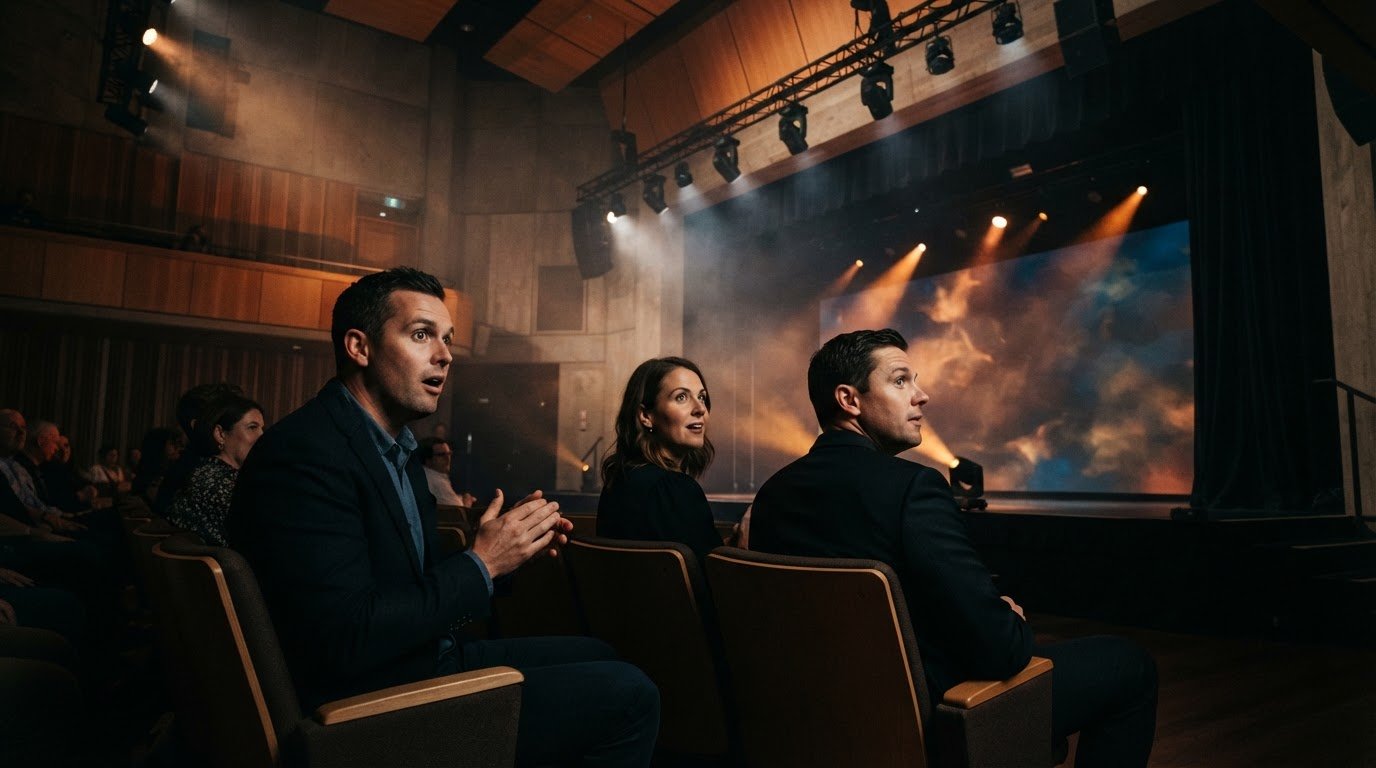
LED video walls help connect stage visuals with the event programme. For example, a conference can show speaker names during introductions, then switch to a product demonstration for the next segment. This gives attendees a visual cue as the event changes direction and keeps information relevant to the moment. For hybrid events, displayed material can also support people following the programme remotely.
What are LED screens used for as dynamic event backdrops?
LED screens can provide event branding, scenic visuals and information that changes during a programme. At an awards evening, the backdrop might show the event identity between presentations, then display a recipient’s name as they take the stage. At an exhibition, product imagery can help define a stand’s visual setting. The screen is most effective when its content supports the event’s purpose.
What LED screen pixel pitch and resolution are best for different viewing distances?
Choose pixel pitch by considering how close the nearest viewer or camera will be. Up close, the gaps between pixels are more noticeable, so a finer pitch is usually preferable. Resolution depends on the display’s total pixel dimensions and the format of the material being shown. For a seated audience farther away, the balance may differ. Let the intended viewing positions guide the screen specification.
How do you set up and operate an LED video wall for an event?
Set-up starts with agreeing on the screen layout, content sequence and show cues. The operating plan should identify what appears for each speaker, segment or transition, and who signals each change. For a product launch, for instance, the reveal graphic can be cued alongside the presenter’s introduction. A rehearsal lets the production team run transitions in programme order and resolve timing issues.
Comments