Choosing Product Launch AV Equipment for a Dramatic Reveal
The reveal isn’t made by a screen alone. High-impact AV for a product launch brings together clear sound, well-timed lighting and visuals tailored to the product, venue and audience. The right combination makes the product easy to see and keeps the presentation moving smoothly.
It’s natural to focus on the dramatic moment, but the equipment needs to support the whole event: the lead-in, reveal, live demonstrations and online audience. A large display may suit detailed product visuals, while lighting can draw attention to the reveal. For a hybrid launch, cameras, vision switching and streaming need to work as part of the same plan.
This guide explains how to choose AV for your product, audience, venue and theme, and what to plan for reveals, demonstrations and streaming. You’ll learn which equipment can support each part of the event, how the venue affects the setup, and how coordinated production helps create a clear, composed experience for guests in the room and online.
Table of Contents
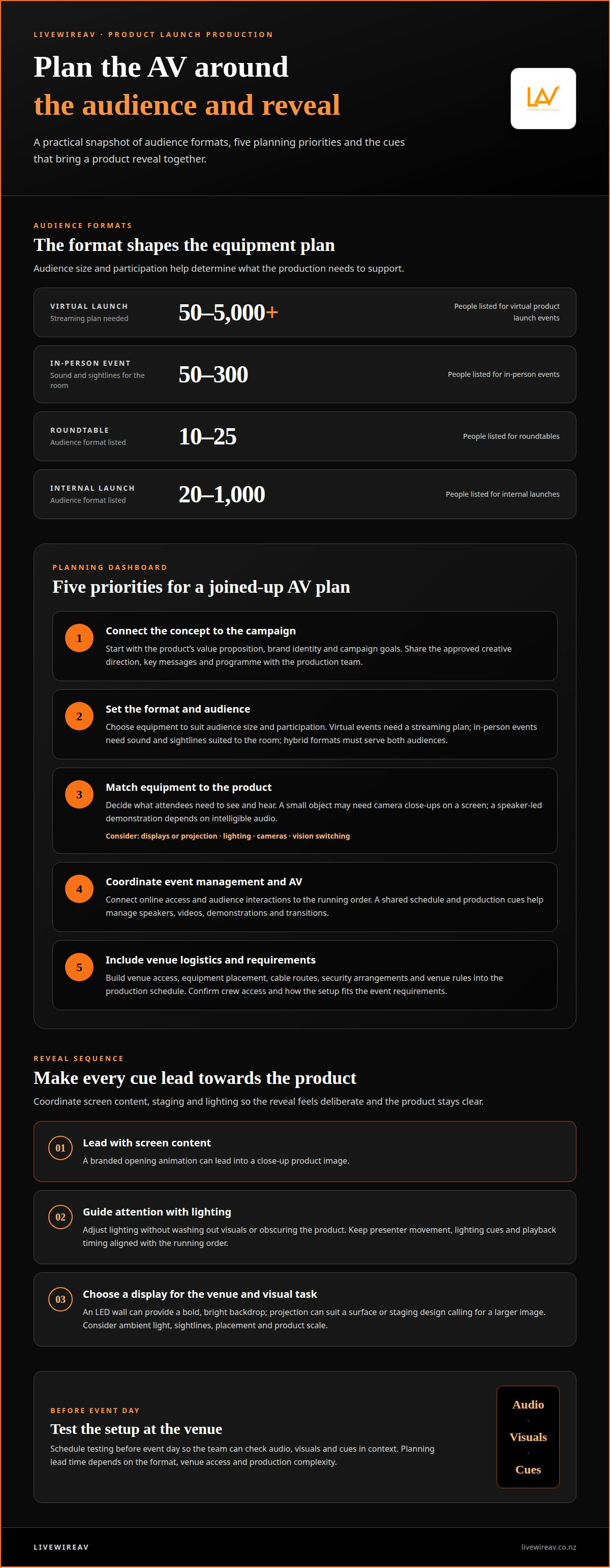
What AV equipment does a professional plan for a launch?
Bring the AV team in as the event concept and venue take shape. There’s no single lead time for every launch: equipment planning depends on the format, venue access and production complexity. Schedule testing at the venue before event day so the team can check audio, visuals and cues in context.
Connect the concept to the campaign. Start with the product’s value proposition, brand identity and campaign goals. For example, a launch focused on product detail needs clear visuals, while a brand story built around energy may use carefully timed lighting and sound. Share the approved creative direction, key messages and programme with the production team. This keeps the visual treatment consistent from opening to reveal.
Set the format and audience. Audience size and participation shape the equipment plan. Virtual product launch events are listed for 50-5000+ people, in-person events for 50-300, roundtables for 10-25, and internal launches for 20-1000. A virtual event needs a streaming plan; an in-person event needs sound and sightlines suited to the room. Hybrid formats must serve both audiences.
Match equipment to the product. Identify what attendees need to see and hear. A small object may need close-up camera coverage on a screen, while a speaker-led demonstration depends on intelligible audio. Planning high-impact AV for a product launch means selecting displays or projection, lighting, cameras and vision switching to support the product’s message, not compete with it.
Coordinate event management and AV. Connect the event platform’s online access and audience interactions to the running order. A shared schedule can show when speakers, videos and demonstrations begin, while production cues help manage transitions. Professionals build high-impact AV for a product launch around these handovers, keeping the programme moving smoothly for in-person and virtual attendees.
Include venue logistics and requirements. Build venue access, equipment placement, cable routes, security arrangements and venue rules into the production schedule. Confirm who manages crew access and how the setup fits the event requirements. These details support an orderly installation and controlled execution.
Choosing AV based on the product, audience, venue, and theme
Match the production plan to what the product needs audiences to notice. A hands-on demonstration, for example, needs different visual coverage from a keynote presentation.
How a professional team chooses AV for the product and venueAlign the brief with the product, audience, venue and theme. A small product shown on stage may need camera close-ups on a display, while a larger object may be visible across the room. Venue layout and lighting affect sightlines and screen placement. Keep the theme consistent with the brand message, and avoid visual effects that distract from the product’s value proposition.
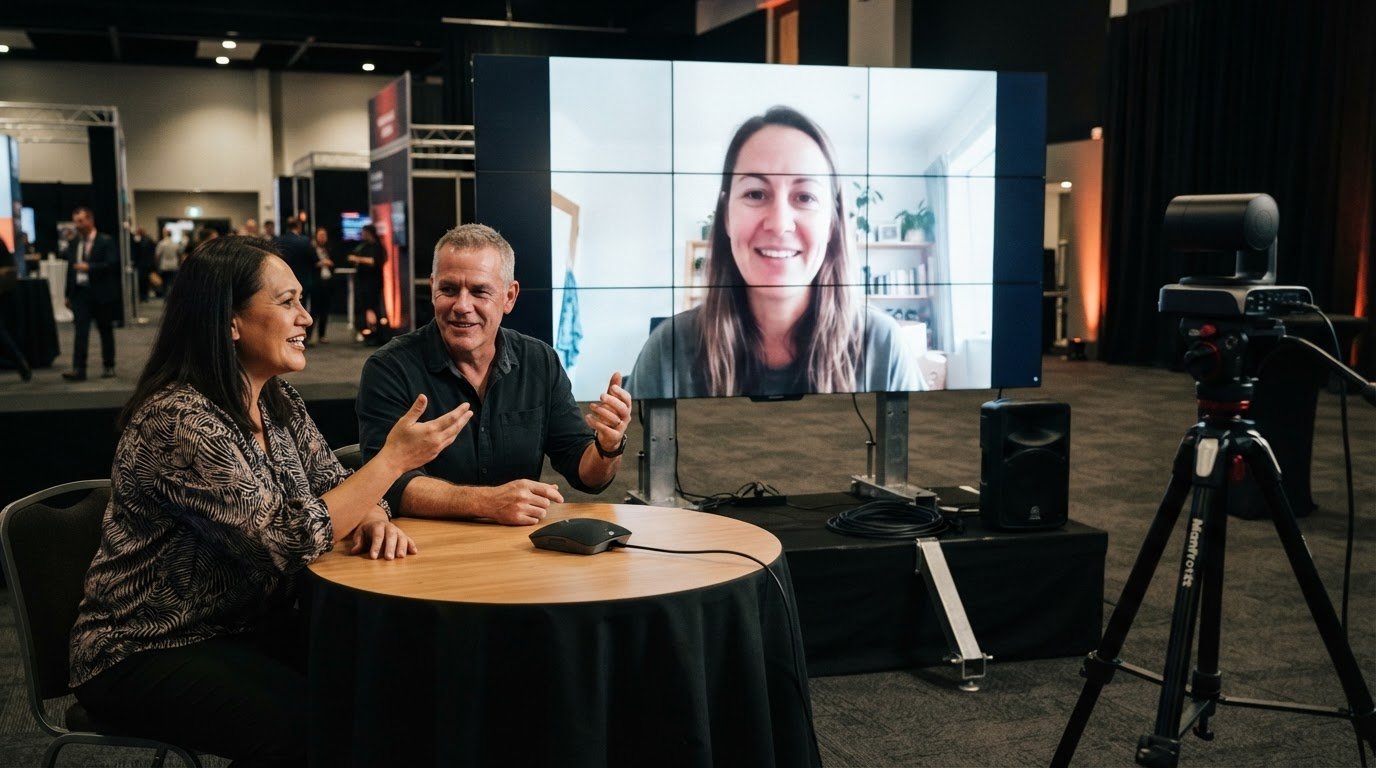
Integrating digital and in-person audiences with professional AVPlan a shared experience for guests in the room and people joining virtually. Frame the presenter and product clearly for cameras, then include online viewers in live Q&A sessions or audience polls. For example, a moderator can relay a virtual question to the presenter, giving both audiences a role in the same discussion. Avoid treating the stream as a separate recording without interaction.
Tailor the content to the audience, then carry the same brand message across presentations, screens and streaming. A launch for product specialists might prioritise detailed demonstrations; a customer-facing event could focus on practical benefits. Interactive displays, live demos and polls create opportunities for participation and useful audience feedback. Choose formats that support the event’s goal rather than adding interaction for its own sake.
Connect each interactive element to the event schedule. Live Q&A needs a clear handover between the host, presenter and question moderator, while polls need a prompt and time for responses. For a hybrid launch, coordinated livestream production can help connect the on-site programme with online participation. Test the audience journey across both formats so remote attendees can follow presentations and contribute at the right moments.
LED video walls and dramatic product reveals
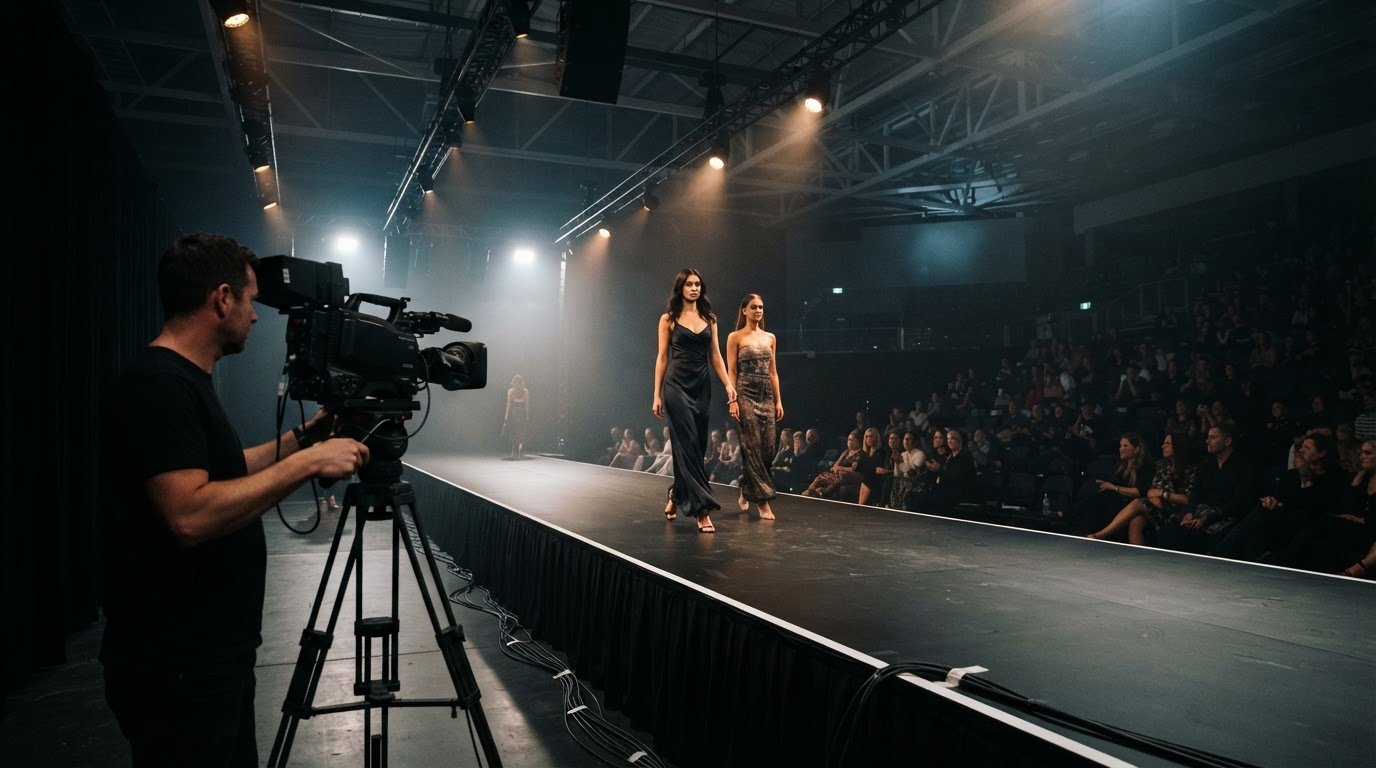
Compare LED walls and projection by considering venue brightness, screen placement and the product details attendees need to see. Coordinate lighting, staging and screen content in a timed sequence, so each cue leads attention towards the reveal.
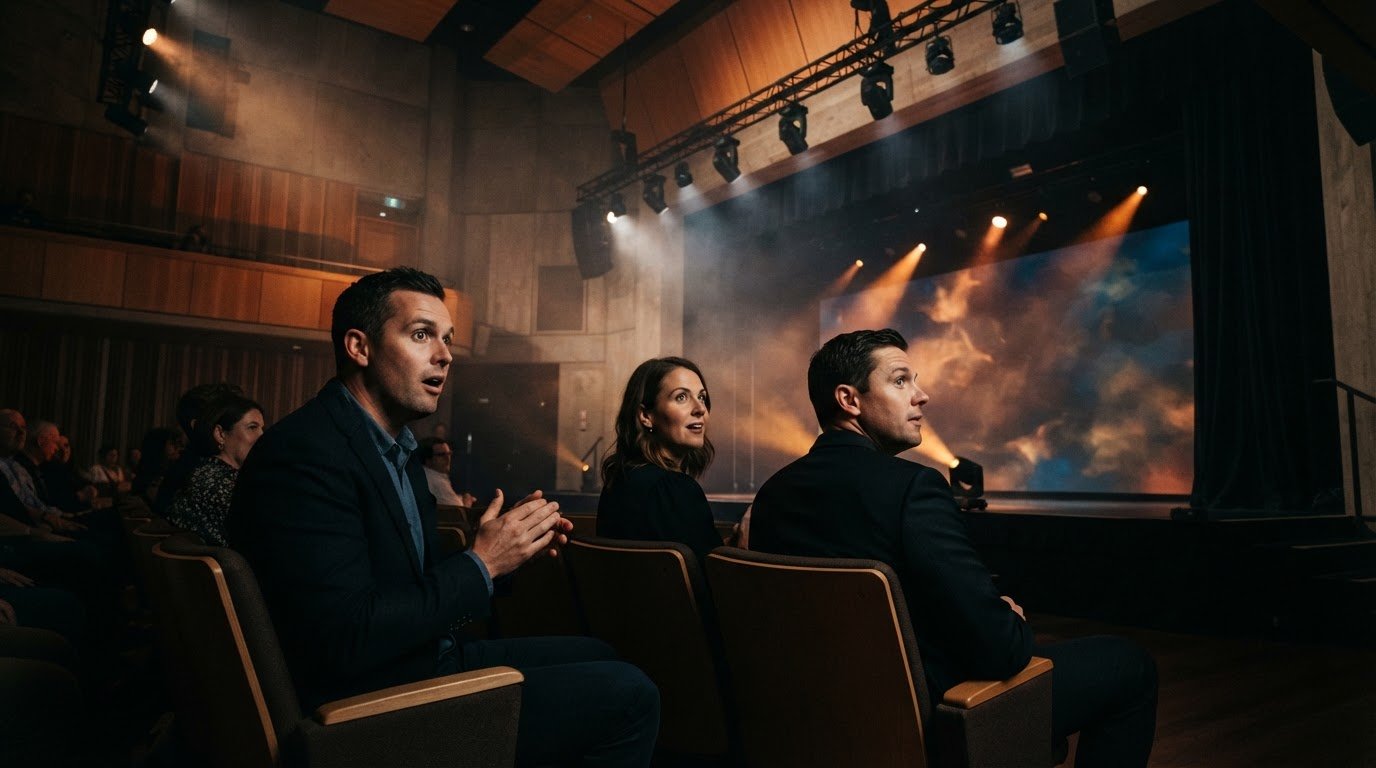
Coordinate lighting, staging and screen contentBuild the reveal sequence around the product’s position on stage. Cue screen content first, then adjust lighting to guide attention without washing out visuals or obscuring the product. For example, a branded opening animation can lead into a close-up product image as stage lighting shifts. Keep presenter movement, lighting cues and playback timing aligned with the running order.
Create a dramatic product reveal with an appropriate displayChoose LED walls or projection based on the venue and the visual task. An LED wall can provide a bold, bright backdrop, while projection can suit a surface or staging design that calls for a larger image. Assess ambient light, sightlines, available placement and the product’s scale. Check that important details remain visible from audience areas.
Build the reveal into the video production instead of treating screen content as decoration. A short product story can establish the problem, introduce the design and finish on a clear reveal frame. Match the format to the room and viewing distance; close-up footage can show details attendees may not see directly. A clean transition from video to live demonstration makes the moment feel deliberate and memorable.
Plan for the launch to continue after guests leave. Record key presentations, demonstrations and attendee reactions where the event’s production plan allows. Edited highlights or a product demonstration can support later campaign content and give absent audiences a way to see the reveal. Arrange follow-up while interest is fresh, and use attendee feedback to guide the next communication. A timely recap helps create a lasting connection beyond the event.
Venue technical requirements for live demos and streaming
For a hybrid launch, the venue and streaming platform must support both in-room presentations and remote participation. Plan and test each technical element before the event.
Map the venue for the demonstration. Have the production team assess the stage, audience sightlines, lighting and camera positions. A close-up product demonstration may need camera coverage on a display, while the presenter’s voice must remain clear in the room and on the stream. Include equipment placement and the demonstration’s movement through the space in the production plan.
Match the online platform to the programme. Choose a virtual platform that supports reliable streaming and audience engagement features. For example, if remote attendees will ask questions, plan how the host receives and presents them during the session. Keep the joining instructions, programme and stream aligned, so people can follow the same message whether they attend in person or online.
Coordinate the sound and picture feeds. Plan how microphones, presentation audio, camera shots and screen content reach both audiences. During a live demo, the camera should capture the relevant product action while the presenter explains it. Clear handovers between slides, video and live presentation help the event feel seamless and preserve the product’s message.
Test the full system at the venue. Run through audio, visuals, streaming systems and connectivity before launch day. Test the actual presentation content and demonstration, not just an opening slide. This helps identify where sound, picture or platform disruptions could affect the online impression, and gives the production team time to adjust the event sequence.
Include audience interaction in the run sheet. Schedule Q&A, polls or moderated chat at points where they support the launch rather than interrupt a demonstration. Give the host a clear way to bring online questions into the room. A planned cue lets the team capture audience contributions and maintain the flow for both groups.
Discuss production for your hybrid launch to plan the venue, streaming and audience experience.
LivewireAV: Full Technical Production
LivewireAV coordinates technical production for product launches where the reveal, demonstrations and streaming need to work as one programme. Full Technical Production brings the event’s AV requirements together, while Hybrid & Livestream Events support participation from in-room and online audiences.
For the reveal, LED Walls & Projection can present product visuals and campaign content to the room. Audio Line Array Systems support clear sound across the event space. The production plan can align these elements with the running order, presenter cues and venue layout, so transitions support the message instead of interrupting it.
Share the product story, event format, venue details and key moments with the production team. These details help shape an AV plan around what attendees need to see and hear. Contact LivewireAV to discuss technical production for your product launch.
Set your launch production in motion
The next step is to turn the product story into a production brief. Identify the moment attendees should remember, the details they need to see, and how the experience should continue after the event. Those priorities give the technical team a clear basis for planning high-impact AV for a product launch, from creative direction to event-day cues.
Bring together the venue details, event format, campaign assets and running order. A focused brief connects production decisions to the launch’s purpose instead of adding effects without a clear role. It also gives the team a shared reference for coordinating the reveal and wider programme.
For a considered next step, start planning your launch with LivewireAV. A clear production plan lets your team focus on the product and the audience, with the event experience built around them.
Frequently Asked Questions
What AV equipment creates the biggest impact at a product launch?
The most effective setup makes the product easy to see, hear and understand. A launch featuring a detailed object may benefit from close-up camera shots on a display, while a speaker-led reveal may rely more on clear audio and well-timed lighting. Consider how each element supports the product story rather than choosing equipment for scale alone.
What sound system and microphone setup is best for a product launch venue?
The venue, audience layout and programme determine the right sound system and microphones. A professional team considers room shape, seating, stage position and whether presenters will move during demonstrations. Wireless microphones can support movement, while a line array or point source system may suit different event spaces. The goal is intelligible speech throughout the room, without audio overpowering video or demonstrations.
What AV specifications should a product launch brief provide to an AV production team?
Provide the venue plan, event schedule, expected audience format, product demonstration details and presentation or video assets. Include stage dimensions where available, screen content requirements, presenter movements, streaming needs and planned audience interactions. For example, note whether a demonstration needs a camera close-up or a live product feed. These details help the production team plan equipment placement and coordinate technical cues.
What are the risks of live demos and streaming at a product launch, and how can they be mitigated?
Live demonstrations can be disrupted by unclear camera views, missed cues or audio that obscures the presenter. Streaming can also be affected by connectivity problems, poor sound or platform disruption. Reduce these risks with a venue rehearsal that runs through the complete demonstration and broadcast sequence. Prepare a clear cue order, test audience-facing audio and visuals, and agree on what to do if a live element needs to pause.
Comments