4 Ways Using AV Supports Event Networking, Including Hybrid Events
Networking doesn’t happen just because people share a room. Using AV to enhance event networking means giving attendees practical ways to participate, start conversations and stay connected, whether they’re at the venue or online. Live polls, audience Q&A, social media displays and hybrid event production can all create those opportunities.
In-person conversations can help people make useful connections, but AV doesn’t replace them. It can give conversations a clear starting point and help remote attendees take part in the same event experience.
This article explores four ways AV can support networking and audience engagement, from interactive moments to hybrid participation. You’ll also see how clear sound, well-planned screens and thoughtful production help each element work together, so technology supports the event rather than distracting from it.
Table of Contents
1. Live polls sessions social media integration
A poll or quiz gives attendees a shared prompt to discuss when the results appear. For example, a conference speaker can pose a question on screen, collect responses through attendees’ devices and use the results to open a Q&A. A moderator can select audience questions while a production operator displays them clearly on venue screens. These visual elements create natural conversation starters without interrupting the session.
Social media can extend the conversation. A screen displaying selected event posts or a moderated question feed gives people a topic to discuss during breaks. Provide clear text alternatives for functional images so screen-reader users can understand their content and purpose. A professional production setup can coordinate microphones, cameras, screens and vision switching, then send audience questions and poll results to the right display.
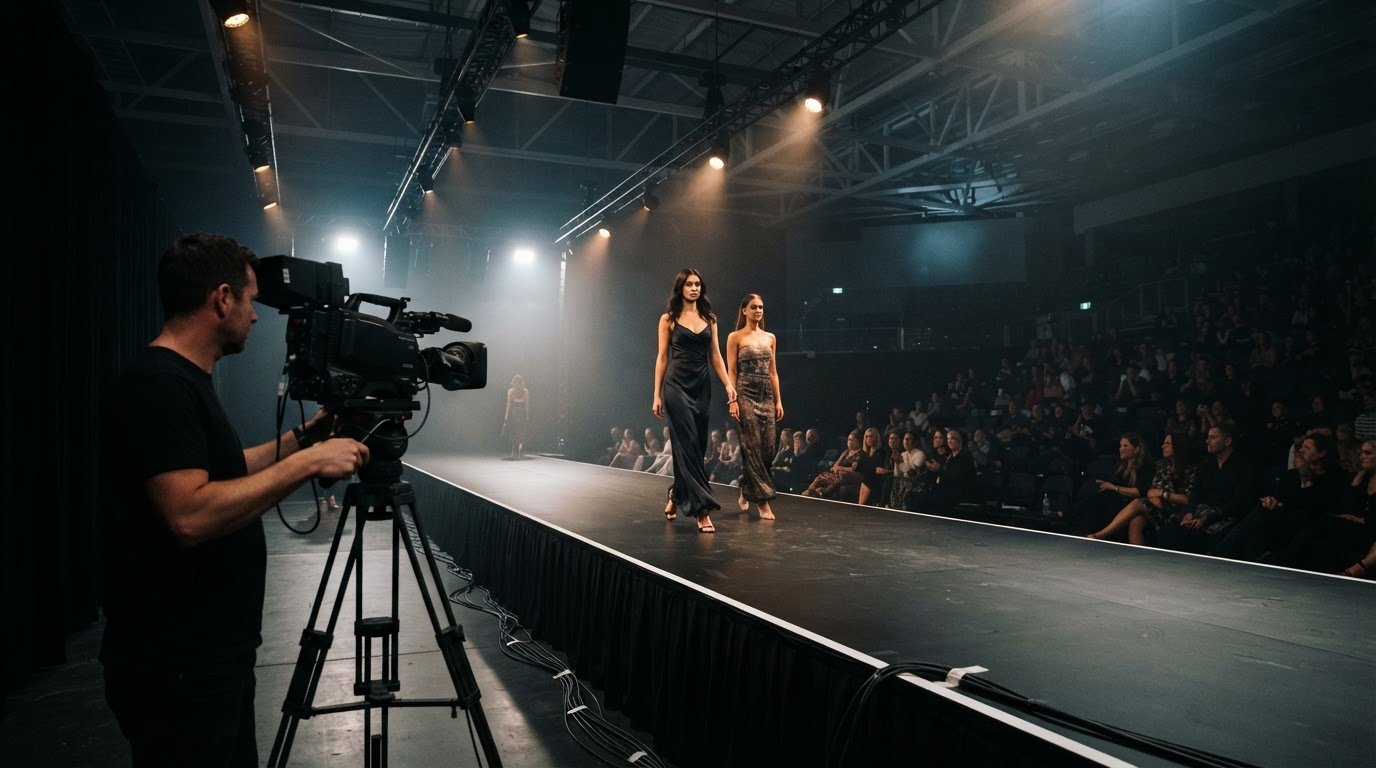
Live streaming connects attendees in the room with virtual participants. Cameras capture the speaker and relevant audience moments, while the production team manages the image shown to online viewers. In a large venue, live image magnification puts the speaker and presentation on repeater screens, helping people farther back follow the discussion. Framing and audio matter: a question from the floor needs to be heard both in the room and on the stream.
For networking, event apps can combine polls and Q&A with attendee profiles and discussion spaces. AI-driven event tools can suggest agenda sessions based on attendee profiles, helping people identify shared interests. These tools can support introductions, but the conversation still happens between attendees.
In New Zealand, use a clear privacy process for attendee data. Explain what a networking app collects and why, and seek permission before sharing profiles or contact details. Give attendees a clear way to decline profile sharing, and moderate social feeds before displaying posts publicly.
A professional production team can coordinate screens, cameras, microphones, streaming and audience-response elements as one interactive setup. This keeps questions, poll results and speaker images visible to both in-person and virtual attendees.
2. How can AV support hybrid and virtual events?
Hybrid event planning starts with the audience journey: what people in the room see and how remote attendees participate. Event apps and matchmaking platforms can use attendee profiles to suggest relevant sessions or introductions. Badges showing a person’s name, organisation or interests can make introductions easier. These tools support networking, while the audiovisual plan makes the shared programme accessible to both audiences.
For example, a conference could stream a panel that includes questions from people in the room and online. The event team can track indicators such as app participation, questions submitted, meetings arranged and post-event survey responses. Comparing those results with the event’s goals helps organisers assess engagement and networking outcomes, rather than relying on views alone.
Technical feasibility depends on the venue, internet connection, programme and production requirements. A technical rider should specify microphones, lighting, displays, camera positions and streaming needs. An event management platform can coordinate schedules and attendee communication, while an AV technology manager works with venue staff and presenters on technical delivery. In-house venue managers bring useful knowledge of the room; coordination keeps responsibilities and cues clear.
Content needs to suit its destination. A slide deck designed for a large screen may be difficult to read on a mobile display, while video needs the correct format and aspect ratio. Production teams can plan separate screen layouts for the venue and stream, keeping key messages and speakers visible without overcrowding either view.
Accessibility also needs a production plan. Clear speech, well-positioned microphones, readable contrast and captions can help people follow sessions in the room or online. Functional images need text alternatives for screen-reader users.
Contingency planning covers likely points of failure: a backup playback source, spare cables and an alternate microphone. Rehearsing transitions helps presenters and operators respond calmly if a stream or presentation needs to change. For hybrid event production planning, technical requirements, content and fallback options belong in the same conversation.
3. Can AV help make an event more engaging?
AV supports engagement when each element gives the audience a reason to look, listen or participate. At a corporate conference, a clear visual can explain a complex idea more effectively than a crowded slide. Well-balanced sound helps people follow the speaker and respond during discussion. Production choices should reinforce the event message, not compete with it.
Interactive displays can give attendees information or entertainment through touch, motion or voice. For example, a trade show display might let visitors explore product information at their own pace. Repeater screens can show video or imagery during programme breaks, keeping useful content visible while the room resets. These visual moments add variety without requiring everyone to join the same activity.
Audio also shapes participation. A handheld microphone lets a presenter move among attendees during an interview or audience discussion. Clear sound helps people follow both the question and response, so the exchange feels inclusive rather than confined to the stage. At larger events, the audio system needs to suit the venue and audience, with speaker placement planned to distribute sound evenly.
Lighting can change the feel of a space. Brighter colours can energise a networking area, while softer lighting can create a calmer setting for conversation. Projection mapping can place images across three-dimensional surfaces, such as a ceiling or building, to create an immersive visual feature suited to the event’s theme. The design works best when it supports the programme rather than distracting from speakers.
Organisers can assess engagement after the event by reviewing audience participation, social media mentions and post-event survey responses. For example, feedback about a live demonstration can guide the format of a future conference session. Comparing these measures with the event’s aims helps distinguish memorable production from activity that simply fills a screen.
4. How can AV technology improve networking at events?
Using AV to enhance event networking means shaping how attendees move through a venue and find shared interests. Lighting can define a quiet conversation area, a sponsor activation zone or a central networking hub. Clear visual cues help guests understand where to go, while thoughtful sound levels make conversation comfortable. The aim is to make useful interactions easier, not to fill every space with screens.
Digital signage can guide people to networking areas and display session details or discussion prompts. For example, a screen near an exhibition stand could show a question related to its demonstration, giving visitors an easy way to start talking. Displays can also highlight sponsors or event information without interrupting conversations.
AI-driven event tools can suggest agenda sessions based on attendee profiles. A recommendation for a session on a shared interest gives two participants a natural reason to meet before or after it. Clear venue signage can then help attendees find the session or networking area.
Augmented reality can combine sponsor information with an immersive trade show demonstration. Visitors might explore a product display while accessing additional sponsor content. This approach to using AV to enhance event networking works best when the experience gives people something specific to discuss, rather than adding a visual effect without a clear purpose.
Hybrid formats can extend networking beyond the room. A streamed discussion can give virtual attendees a shared topic with in-person guests, while planned transitions help everyone follow the programme. The most useful AV choices depend on the event’s purpose, venue layout and attendee experience. A networking-focused production plan can coordinate lighting, displays and streaming around those priorities.
Plan AV for event networking with the room layout, audience journey and key interaction points in view.
Examples include digital signage that directs guests to networking areas and displays discussion prompts near exhibition stands, or recommendations for shared-interest sessions that give attendees a reason to meet. Augmented-reality product demonstrations and streamed discussions can also create shared topics for in-person and virtual attendees.
LivewireAV: Hybrid & Livestream Events
LivewireAV provides Hybrid & Livestream Events for organisers who want people in the venue and online to share the programme. Its team coordinates audiovisual production, from camera feeds and streaming to the screens showing event content. This helps keep speakers and key moments visible to both audiences.
For events with more complex production needs, Full Technical Production brings sound, visuals and event cues together. LED Walls & Projection can present content across the venue, while Audio Line Array Systems support clear sound in larger spaces. The right setup depends on the event format, venue and audience experience you’re planning.
Bring your event schedule, venue details, presenter requirements and audience participation plans to the production discussion. These details help shape a practical approach to networking and hybrid delivery. To discuss your event, contact LivewireAV.
Make networking part of the event design
Start by deciding what a useful connection looks like for your event. It might be a conversation between attendees with shared interests, a question from a virtual participant or a follow-up discussion after a presentation. Clear priorities give the production plan purpose and help each technical choice support the audience experience.
Using AV to enhance event networking works best when the intended interactions shape the programme, room layout and production from the outset. LivewireAV’s Full Technical Production, Hybrid & Livestream Events, and LED Walls & Projection can support different event formats and audience needs. The right combination depends on what you want attendees to experience.
Bring your event goals and format into the planning conversation, then shape the technical approach around them. Contact LivewireAV about your event to discuss your production needs and take the next step with a clear plan.
Frequently Asked Questions
What are audio-visuals and how do they enhance events?
Audiovisual technology combines sound and visuals to communicate event content to an audience. A conference might use microphones for clear presentations, screens for supporting information and cameras to show speakers to remote participants. Together, these elements help people follow the programme and understand key messages. For networking, AV can make shared topics and event activity easier to notice and discuss.
Can AV help make an event more engaging?
Yes. AV can give attendees different ways to connect with a programme, such as watching a product demonstration, hearing a panel clearly or exploring an interactive display. At a corporate event, a well-timed video can introduce a topic before the speaker expands on it. Engagement comes from choosing technology that supports the content and audience, rather than adding effects without a clear purpose.
How Can AV Transform Your Event?
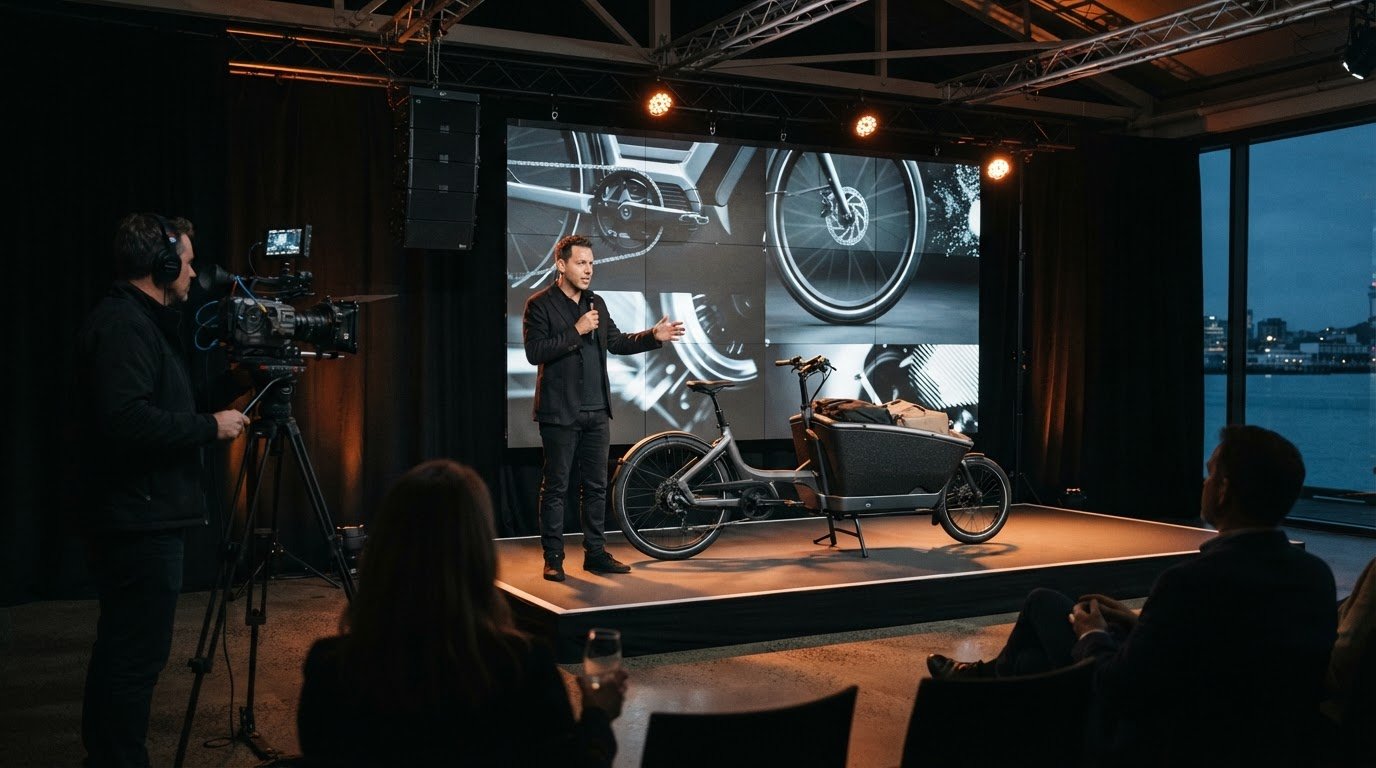
AV can change how an event communicates, feels and flows. For example, a product launch can combine a presenter’s explanation with close-up camera footage and supporting visuals, helping attendees see details from different parts of the room. Production choices can also mark transitions between speakers or programme segments. The event’s objectives, venue and format should guide those choices from the planning stage.
How can AV support hybrid and virtual events?
AV gives remote participants a way to follow event content without being in the venue. A production plan can coordinate speaker audio, camera views, slides and programme transitions for the online audience. For example, a panel may need camera framing that captures each speaker clearly, not only the person at the lectern. This tailored approach helps virtual attendees stay oriented as the event moves between segments.
How can event organisers work with an AV team to use screens and live polls to encourage attendee participation?
Start by defining the interaction: a session vote, a question for a panel or a prompt for a networking break. Share the programme, presentation materials and audience participation plan with the AV team. They can align poll timing with the speaker’s cues, prepare readable screen layouts and coordinate how results appear. A run-through helps presenters understand when to pause and invite responses.
What technical risks can disrupt AV-supported networking, and how can a professional production team help prevent them?
Unclear audio, a camera view that misses the speaker, incompatible presentation files or unstable internet can interrupt participation. A production team can map signal paths, test devices and content, and rehearse transitions before attendees arrive. For a hybrid event, planning a backup playback source and an alternate way to share key information helps the programme continue if a connection or device fails.
Comments